> ## Documentation Index
> Fetch the complete documentation index at: https://docs.sipapp.io/llms.txt
> Use this file to discover all available pages before exploring further.
# Color Panel
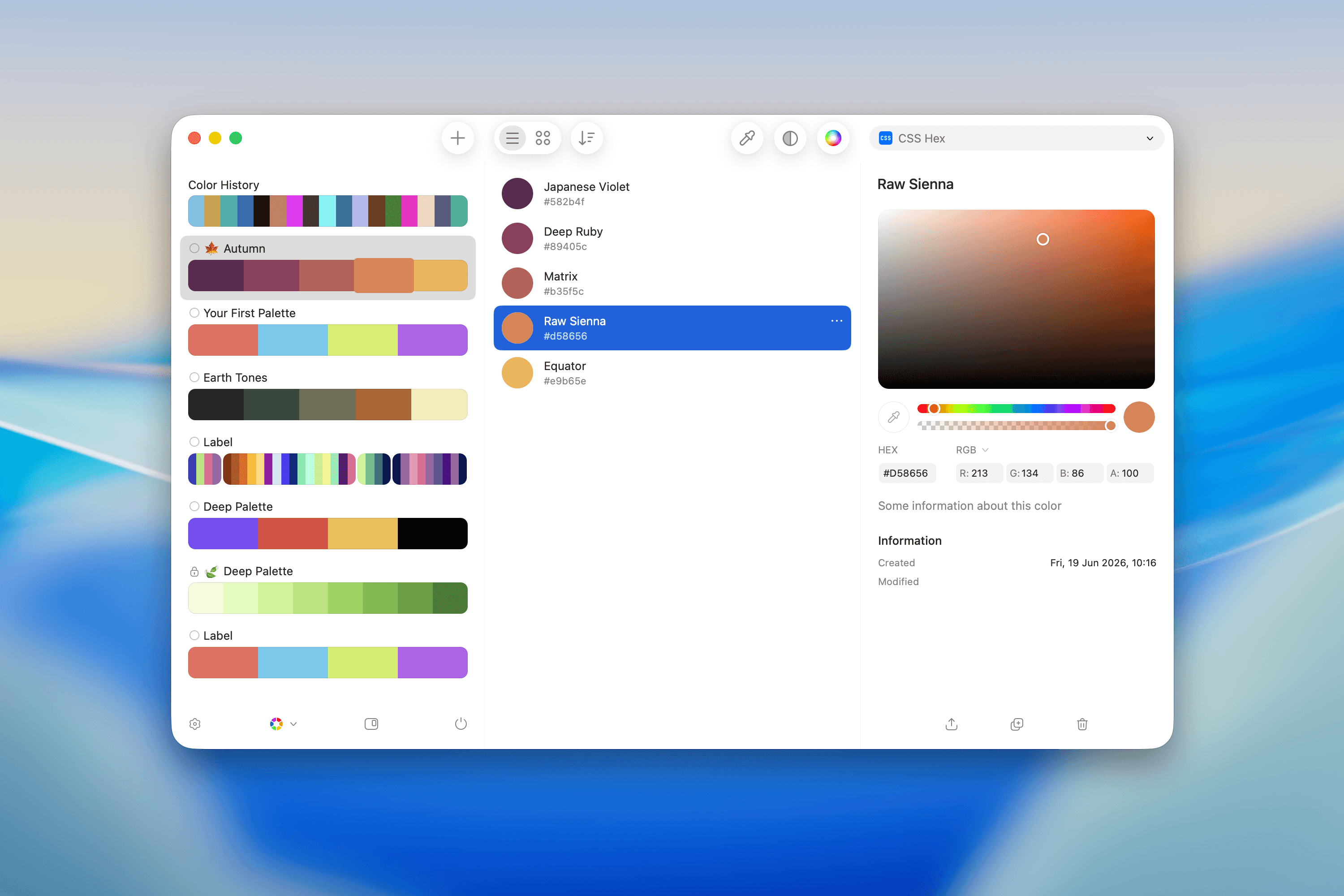
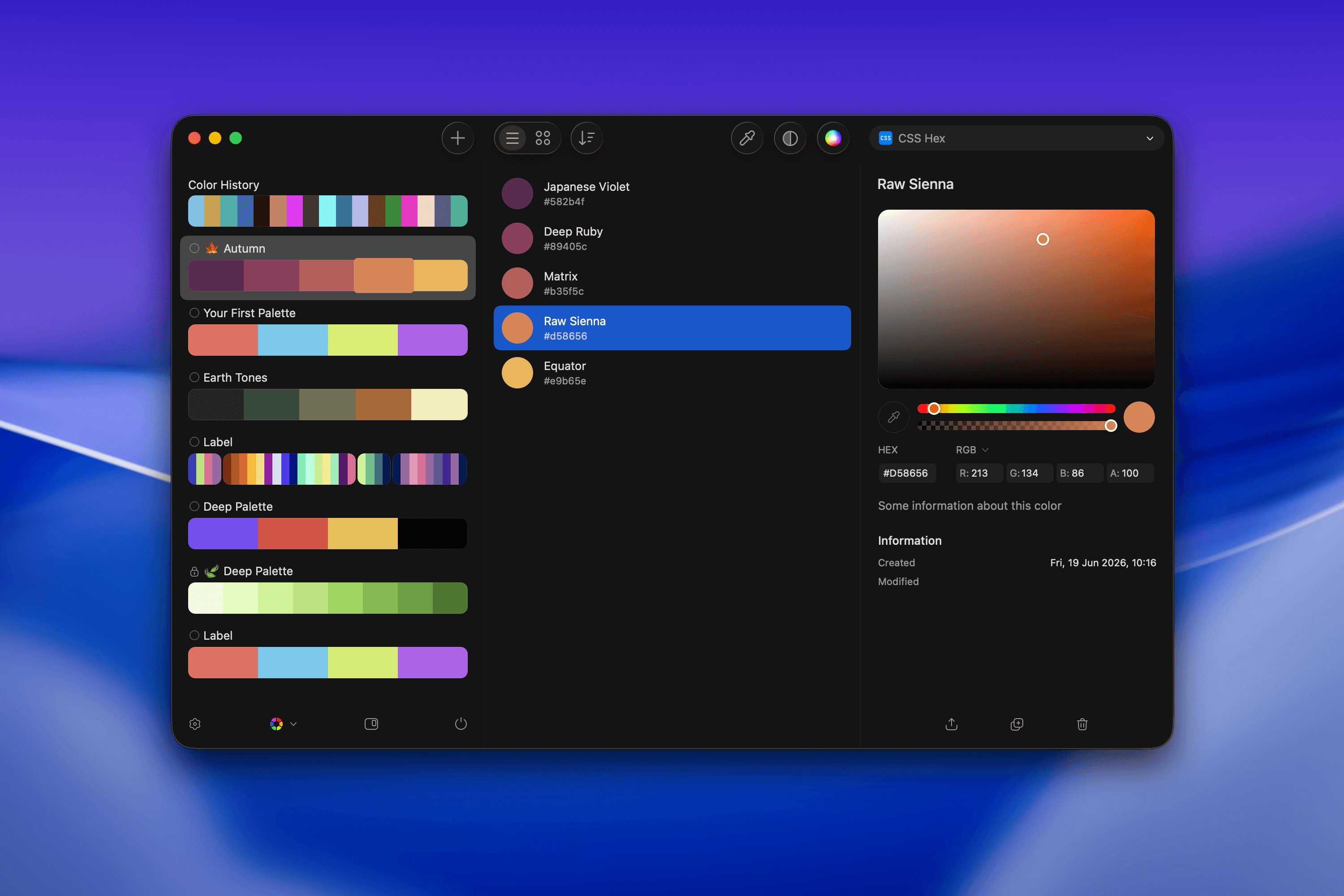
The **Color Panel** gives you a focused place to inspect, edit, and manage colors. You can:
* Edit colors with precision.
* Rename colors.
* Create new palettes or colors based on existing ones.
## Edit a Color
The **Color Panel** provides flexible tools for editing a color:
* Use the universal **Color Picker**.
* Enter values directly in the **HEX field**.
* Adjust individual color channels in **RGB**, **HSB**, or **HSL**.
* Control opacity with the **Alpha** value.
### Color Picker
Select a color visually by clicking and dragging within the color space. Adjust:
* **Hue**: The color family.
* **Saturation**: The intensity of the color.
* **Brightness**: The lightness or darkness.
 ### Hue and Opacity Sliders
* **Hue Slider**: Adjust the base color along the spectrum.
* **Opacity Slider**: Control the transparency, from fully transparent (left) to fully opaque (right).
### Color Values
Fine-tune your colors with precision:
* **HEX**: Edit the hexadecimal color code (e.g., `#540D6E`).
* **RGB**: Adjust each color channel:
* `R` = Red
* `G` = Green
* `B` = Blue
* `A` = Alpha
* **HSB**: Adjust hue, saturation, brightness, and alpha.
* **HSL**: Adjust hue, saturation, lightness, and alpha.
Your changes update in real time as you adjust these values.
### Actions
Manage your colors with ease:
* **Export**: Save or share the color.
* **Duplicate**: Create a copy of the color for variations.
* **Delete**: Remove the color from your palette.
### Hue and Opacity Sliders
* **Hue Slider**: Adjust the base color along the spectrum.
* **Opacity Slider**: Control the transparency, from fully transparent (left) to fully opaque (right).
### Color Values
Fine-tune your colors with precision:
* **HEX**: Edit the hexadecimal color code (e.g., `#540D6E`).
* **RGB**: Adjust each color channel:
* `R` = Red
* `G` = Green
* `B` = Blue
* `A` = Alpha
* **HSB**: Adjust hue, saturation, brightness, and alpha.
* **HSL**: Adjust hue, saturation, lightness, and alpha.
Your changes update in real time as you adjust these values.
### Actions
Manage your colors with ease:
* **Export**: Save or share the color.
* **Duplicate**: Create a copy of the color for variations.
* **Delete**: Remove the color from your palette.